Layers panel
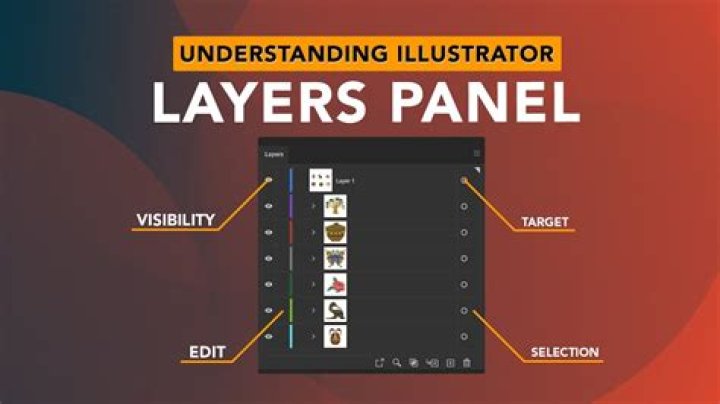
The Layers panel lets you create a tiered document that can be designed more easily by management of layers.
About the Layers panel
Layers are composited together to form your complete design which shows up on your page.
The panel can be used to build up your design as multiple layers, with each layer devoted to a particular facet (e.g., lines, shapes, text, adjustments, etc.).
From the Layers panel you can:
- Create or delete layers
- Select artboards, layers, groups and objects
- Arrange and reorder layers and artboards
- Show and hide artboards, layers, groups and objects
- Lock artboards, layers, groups and objects
- Clip objects or layers
- Apply layer and artboard opacity
- Apply blend modes and blend ranges to layers
- Create masks
- Add layer adjustments and effects
- Create export slices
The panel displays the following: