Using OpenColorIO
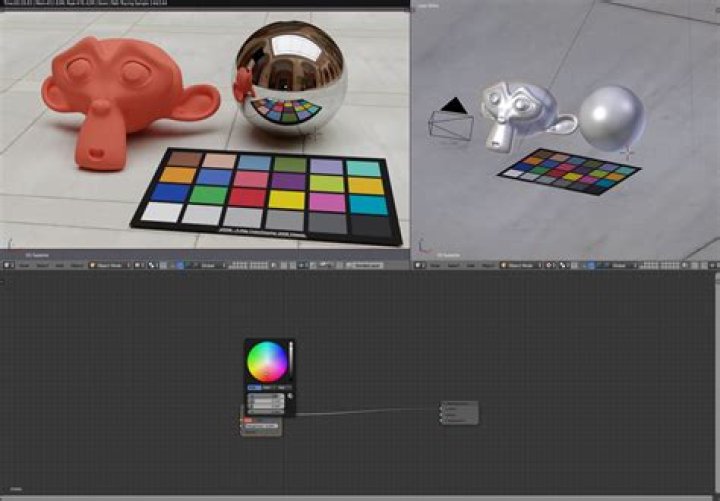
In addition to 32-bit editing support, Affinity Designer also implements OpenColorIO; a colour management system that provides a full colour managed workflow. It is predominantly used for motion picture production but can be used for any situation where accurate end-to-end colour management is required.
Setting up OpenColorIO
By default, Designer's OpenColorIO features are not immediately usable. An .ocio configuration file is required alongside a number of supporting files such as lookup tables.
The OpenColorIO website () contains some sample configurations that provide a number of suitable input and output profiles, including several Academy Colour (ACES) configurations.
To configure OpenColorIO:
- Download and extract your chosen OpenColorIO configuration to a folder.
- From the Affinity Designer menu, select Preferences.
- From the Edit menu, select Preferences.
- On the Colour tab, under OpenColorIO Configuration File, choose Select and navigate to the extracted directory. Choose the .ocio configuration file.
- Under OpenColorIO Search Folder, click Select and choose the extracted directory (it should already be the current highlighted directory from when the .ocio configuration file was selected).
- You will be prompted to restart the app, which is necessary for the OpenColorIO settings to take effect.
Using OpenColorIO
OpenColorIO is exposed through two methods:
- The 32-bit Preview panel contains a Display Transform option that only becomes available with a valid OpenColorIO configuration. This can be used to achieve a non-destructive, colour managed workflow. See 32-bit Preview for more information.
- An OCIO adjustment layer (see OCIO Adjustment) can be added to losslessly convert between colour spaces. You can have multiple OCIO adjustment layers within a document, which allows you to accommodate composite layers from different colour spaces. An example layer stack might be (in hierarchical order):
- OCIO Adjustment—from Utility - Linear - sRGB back to Role - scene_linear
- sRGB Pixel Layer—composite element
- OCIO Adjustment—from Role - scene_linear to Utility - Linear - sRGB
- Pixel Layer—original layer