Vibrance adjustment
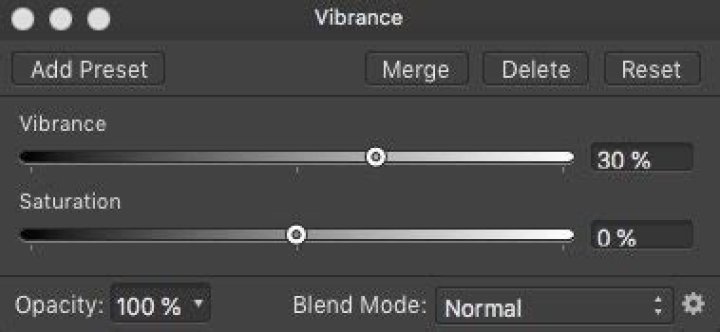
Adjust the intensity of subtle colors in your images while minimizing the over-saturation (clipping) of more intense colors. Skin tones are also preserved to retain a natural appearance.
Settings
The following settings can be adjusted in the dialog:
- Vibrance—controls the intensity of colors in the image. Drag the slider to the left to reduce color intensity, drag the slider to the right to increase color intensity.